How to Choose the Best Display Screen for Your Home Office Setup
As remote work becomes increasingly prevalent, setting up an effective home office has never been more crucial. One of the most important components of this setup is the display screen, which can significantly impact productivity and comfort. According to Dr. Helen Yu, a leading expert in ergonomics and workplace design, "The right display screen can not only enhance your work output but also promote better posture and reduce eye strain." Choosing the best display screen involves understanding various aspects such as screen size, resolution, and ergonomic features.
In today's market, the overwhelming variety of options can make selecting the ideal display screen a daunting task. With advancements in display technology, from higher resolutions such as 4K to the innovative features that enhance usability, home office setups can be tailored to meet individual needs. Whether you are engaged in graphic design, programming, or simply need a comprehensive system for multitasking, choosing the right display screen is integral to achieving an efficient work environment.
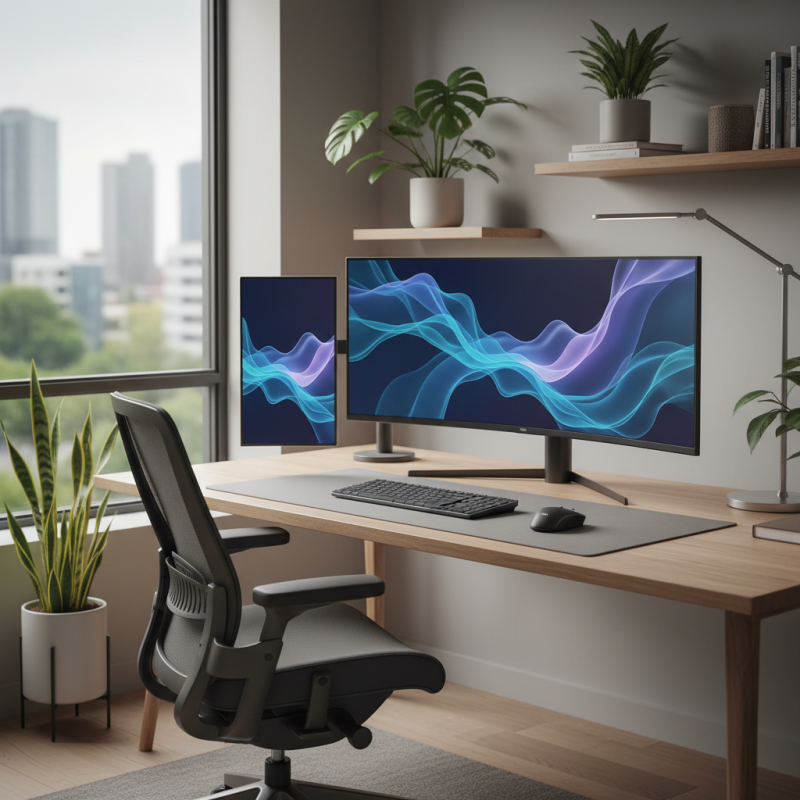
Understanding Your Home Office Requirements
When selecting the ideal display screen for your home office, it is essential to first understand your specific workspace requirements. The type of work you do will heavily influence your choice. According to a recent study conducted by the International Display Technology Association (IDTA), 35% of remote workers report eye strain due to prolonged screen time. This highlights the importance of not only the screen size but also the display resolution. For tasks like graphic design or video editing, a screen with at least a 4K resolution is recommended, as it provides greater detail and clarity, which can enhance productivity and reduce eye fatigue.
Another critical aspect to consider is the ergonomics of your home office setup. The same IDTA study noted that desktops with adjustable display screens can increase comfort by up to 30%. Therefore, screens that offer height adjustability, swivel, and tilt functions are pivotal in creating an ergonomic workspace. Additionally, monitor size plays a significant role; a screen size of 27 inches or larger can help you better multitask by allowing you to have multiple windows open side by side, which is beneficial for professionals who require constant access to different applications. Thus, understanding your home office needs and incorporating these elements can significantly enhance your overall work experience.
How to Choose the Best Display Screen for Your Home Office Setup
| Feature |
Description |
Recommended Size |
Ideal Resolution |
Use Case |
| Screen Size |
The diagonal measurement of the display |
27"-32" |
2560 x 1440 (QHD) or higher |
Design work, multitasking |
| Panel Type |
Type of technology used in screen |
— |
— |
Gaming, professional work |
| Refresh Rate |
Number of times screen updates per second |
60Hz - 144Hz |
— |
Gaming, video editing |
| Connectivity Options |
Types of ports available on the monitor |
— |
— |
Desk setups with multiple devices |
| Ergonomics |
Adjustability and viewing angles |
— |
— |
Long working hours, comfort |
Types of Display Screens: LCD, LED, OLED, and More
When selecting the best display screen for your home office, it’s essential to understand the differences between types of display technologies. LCD (Liquid Crystal Display) screens are widely used due to their affordability and decent image quality. They work well for standard tasks like word processing and web browsing, but may fall short in color accuracy for graphic design purposes.
LED (Light Emitting Diode) displays are essentially a type of LCD that uses LED backlighting, resulting in better brightness and contrast. They are energy-efficient and suitable for a vibrant workspace. For those seeking superior color reproduction and sharper images, OLED (Organic Light Emitting Diode) screens are the way to go. They provide deep blacks and vibrant colors, making them ideal for both creative work and multimedia consumption.
**Tips:** When choosing a display screen, consider your primary tasks—if you're into graphic design or video editing, invest in an OLED for the best color accuracy. Also, pay attention to screen size and resolution; a larger screen with at least Full HD (1920x1080) is generally more comfortable for long periods of use. Lastly, ensure that your screen has adjustable settings for height and angle to promote ergonomics in your workspace.
Key Features to Consider in a Display Screen
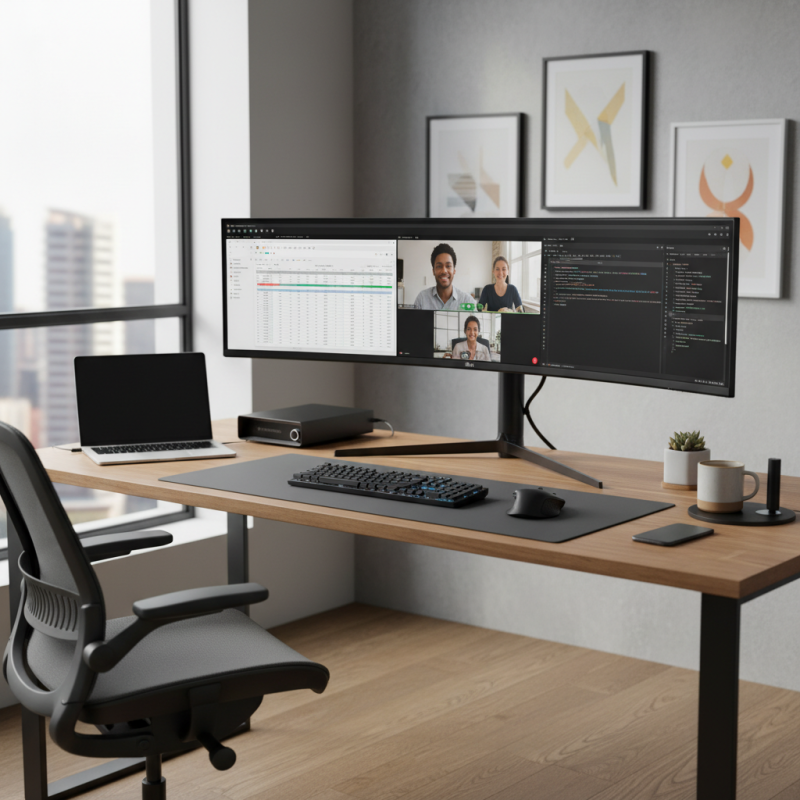
When selecting a display screen for your home office setup, there are several key features to consider that can greatly enhance your productivity and comfort. First and foremost, screen size and resolution are crucial. A larger screen can improve multitasking by allowing you to have multiple windows open simultaneously, while a higher resolution delivers clearer images and text, reducing eye strain during long hours of work. Depending on the space you have available, consider whether a widescreen or ultrawide monitor might best suit your needs.
Another important factor is the display technology. Options like IPS (In-Plane Switching) panels offer better color accuracy and wider viewing angles compared to TN (Twisted Nematic) panels. This is particularly beneficial for tasks that require precise color representation, such as graphic design or video editing. Additionally, features such as adjustable stands, blue light filters, and anti-glare coatings can significantly contribute to a more comfortable working environment. Lastly, connectivity options like HDMI, DisplayPort, and USB-C are essential for ensuring compatibility with your other devices and future-proofing your setup.
Ergonomics and Display Screen Size: Finding the Right Balance
When selecting a display screen for your home office, striking the right balance between ergonomics and screen size is crucial for optimal comfort and productivity. A well-sized screen can reduce eye strain and enhance your overall working experience. Generally, it’s recommended that the screen be large enough to allow for multitasking, yet not so large that it forces you to shift your focus excessively. A screen size of 24 to 32 inches is often ideal for most setups, providing ample space for multiple windows without overwhelming your workspace.
Tip 1: Position your display screen at eye level to maintain a neutral neck position, which can help avoid discomfort and fatigue during long working hours. This can usually be achieved by using an adjustable monitor stand or wall mount.
Furthermore, consider the distance from your eyes to the screen. The recommended distance for a monitor is typically about an arm's length away. This helps to minimize potential eye strain and allows for a better viewpoint for readability. Larger displays might require a greater distance, whereas smaller screens may be placed closer without discomfort.
Tip 2: Utilize blue light filters or settings on your display to reduce eye strain, especially if you work long hours. Paired with proper screen positioning, this can enhance your visual comfort significantly.
Ultimately, choosing the right display screen involves understanding your workspace and adapting the size and placement to align with ergonomic principles. A thoughtful selection can greatly improve your home office experience.
Budgeting: Aligning Display Screen Choices with Your Financial Plan
When setting up a home office, budgeting is a crucial aspect that can significantly impact the quality of your display screen. According to a recent report from the International Data Corporation (IDC), businesses that invest properly in hardware see productivity increases of up to 25%. This statistic underscores the importance of aligning your financial plan with the purchase of an appropriate display screen. A well-considered investment can alleviate eye strain and improve work efficiency, making it a worthwhile expense.
To align your display screen choices with your financial plan, start by determining a budget that reflects your overall office setup. Research indicates that mid-range displays (typically priced between $300 and $600) offer the best balance of performance and cost, catering to the majority of home office users’ needs. Features such as screen size, resolution, and ergonomics often vary significantly within this price range, enabling you to select a screen that meets your specific requirements without overspending. Additionally, allocating a portion of your budget for features like adjustable stands or blue light filters is critical, as these can enhance comfort during long working hours, ultimately leading to a more sustainable financial investment in your home office setup.





















 Screen Size Calculator